

Light accountability
Knowing friends can see you studied is often enough to start a session.
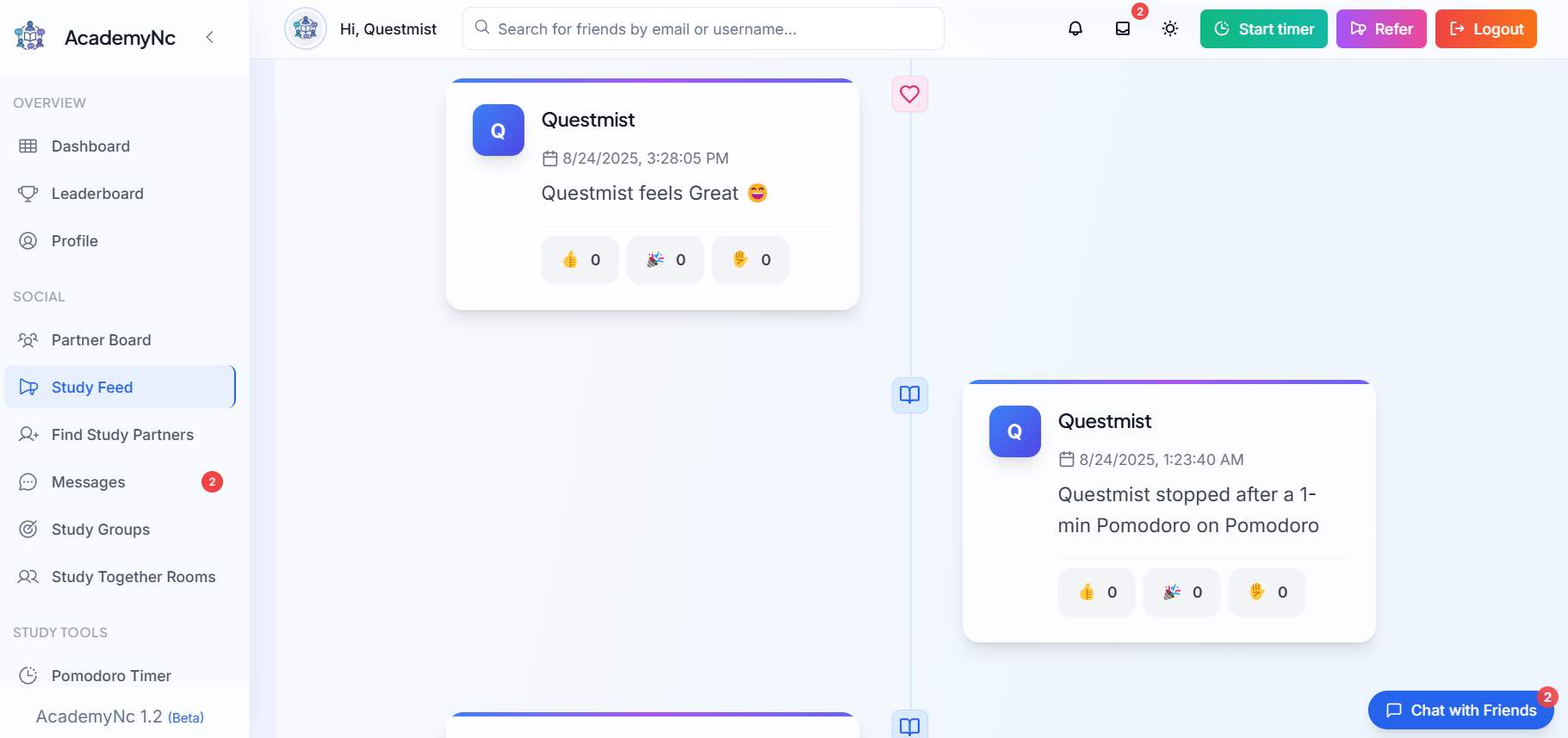
The study feed is a timeline of study activity from you and the people you are connected with. See when friends finish sessions or reach milestones, notice partner updates and keep each other going between study sessions.
Free account required. The feed shows activity from your connections.
Study activity: sessions and study time from your connections. Milestones: goals and achievements as people reach them. Mood updates and partner signals: lightweight updates that help accountability partners know how each other is doing. Reminders: prompts related to your own plans.
The feed is built for encouragement and accountability rather than endless scrolling. Scroll back with Load more, and once you have seen everything new, the feed tells you that you are all caught up.
If you want a more direct commitment, pair the feed with an accountability partner, a friend study challenge or a shared Pomodoro room.
Find classmates or study buddies and connect so their activity appears in your feed.
Your sessions and milestones appear as you log study time and reach goals.
Look through the feed when you start or finish studying rather than during focus blocks.
React to posts with a tap and use what you see to suggest a shared session.
Knowing friends can see you studied is often enough to start a session.
If a friend often studies in the evening, invite them to a shared room then.
Notice when a friend finishes a big goal and acknowledge it.
Keep up with your study group without a busy group chat.
Four classmates connect on AcademyNC. Each evening they glance at the feed, see who has studied, and anyone who has not yet logged time starts a short session. Twice a week they turn that into a shared Pomodoro room for an hour together.
Agree on a goal with a partner and check in after each session.
Set a shared study goal with friends and track who reaches it.
Find a study partner by course, goals and availability.
Run a focus session with friends on a synced or personal timer.
It is a timeline of study activity, milestones, mood updates and partner signals from you and your connections.
Your activity is shown to your connections in their feeds. Check the privacy policy and your settings for how your profile and activity are shared.
The feed is most useful once you connect with study partners. Use the study buddy finder to find people with similar courses.
It is designed for quick check-ins. Look at it before or after study blocks and use focus mode during sessions.
Yes. It is included in a free AcademyNC account.
Read the privacy policy and terms for information about your account and stored work.
Connect with a study partner and open your feed after your next session.