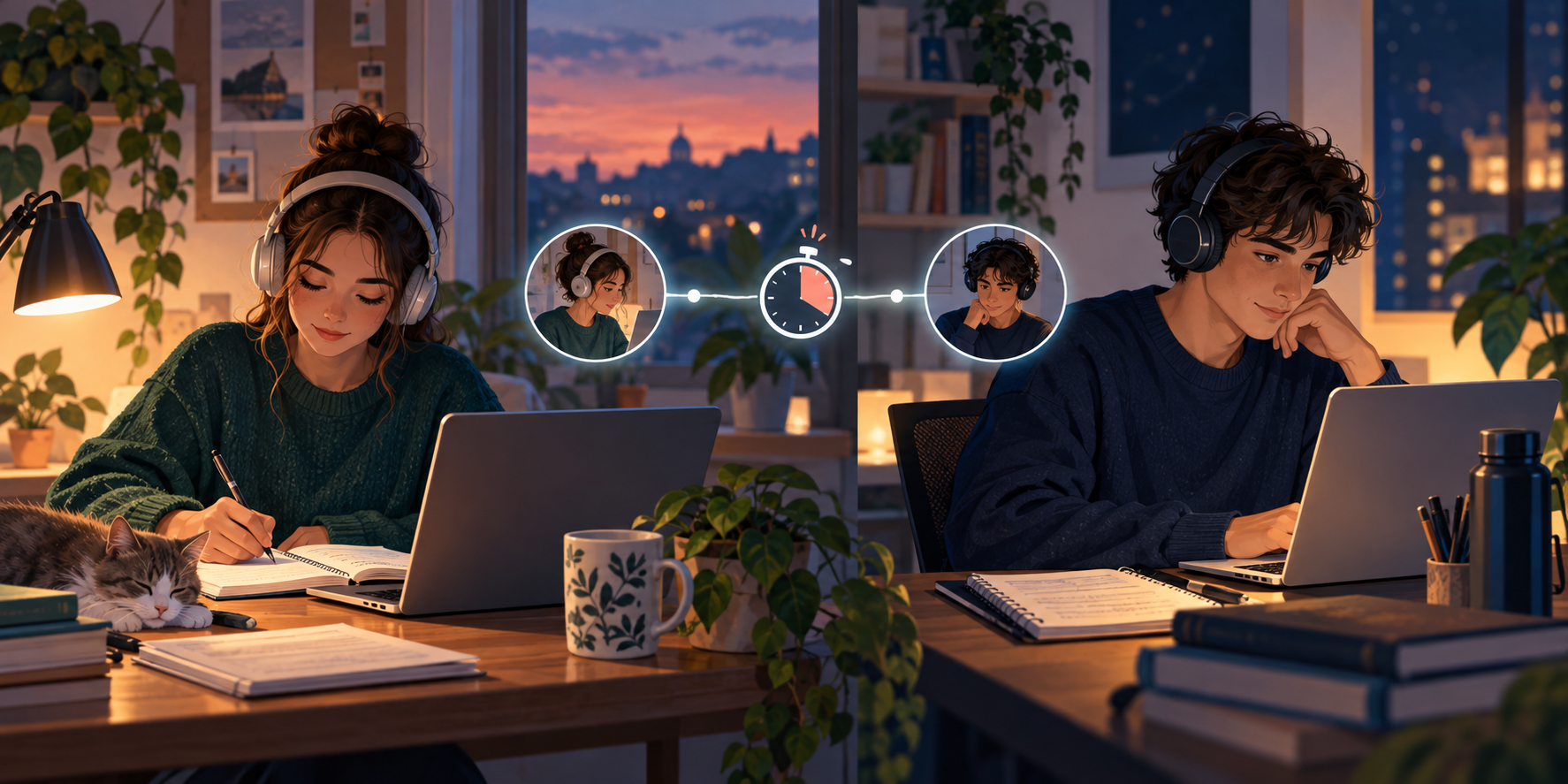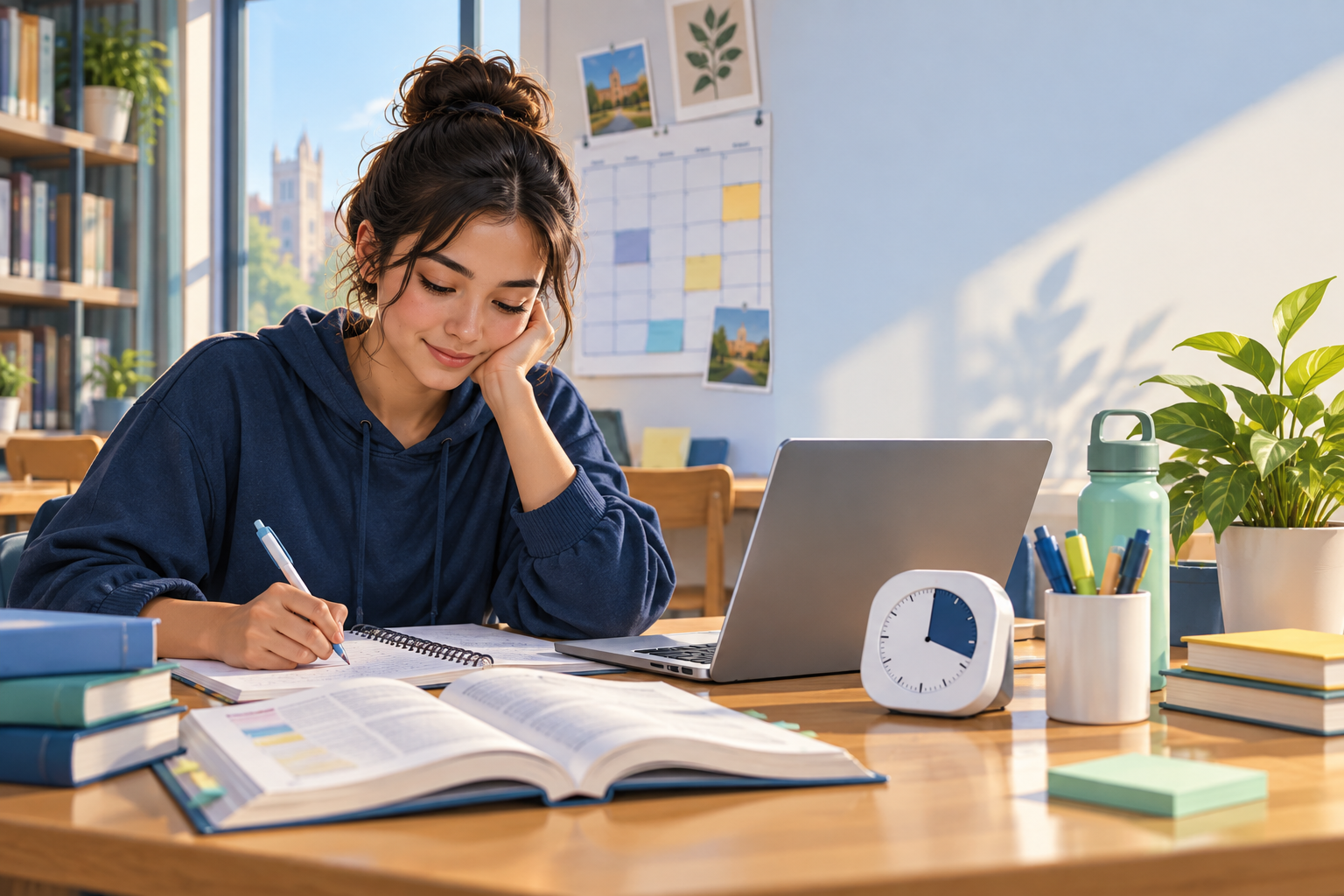
Study Timer for Online Classes: Stay Focused at Home

Use a study timer for online classes to protect lecture attention, organise breaks, and create a simple routine for live and recorded lessons at home.
Online classes make it possible to learn from almost anywhere, but the same flexibility can make attention slippery. Your class may share a screen with messages, social media, snacks, and a bed that is only a few steps away. A study timer for online classes gives the lesson a clear beginning, a working rhythm, and a stopping point.
The timer is not there to make a lecture feel rushed. It helps you separate different kinds of attention: listening, writing notes, reviewing the recording, and completing the work that follows.
Why online classes need a timer routine
In a classroom, the room itself tells you that learning is happening. Online, the same laptop may be used for class, entertainment, shopping, and chatting. Switching between those modes can happen without you noticing.
A simple timer routine creates a visible boundary. When the class starts, your attention has one job. When the break begins, you can stand up. When the study block ends, you can decide what is next instead of drifting into another tab.
Set up before the class begins
Start five to ten minutes early when possible. Open only the class materials you need, keep water nearby, and write the first question you want answered. Put your phone outside arm’s reach or turn on a focus setting.
If the class uses several links, put them in one note before the timer starts. Reducing small searches protects the first minutes of the lesson, when you are still building attention.
Use the timer for lecture attention
For a live class, use the timer as a quiet boundary rather than a loud alarm. A 25- or 30-minute block can remind you to check your notes, posture, and attention. When it ends, keep listening if the lecture is still moving, but take a ten-second reset.
Write the main idea, one example, and one question during each block. This gives your mind something active to do instead of treating the lecture as background audio.
Take notes in active blocks
Do not try to copy every sentence. Use the timer block to capture ideas in your own words. Mark a question when the explanation becomes unclear. Add a star beside an example you should practise later.
At the end of class, spend one short block closing the notes. Write three points you remember without looking, then check what you missed. This small review is easier than opening a large file several days later and wondering where to start.
Plan breaks between online lessons
If you have classes one after another, do not plan a full study session in every gap. Use short breaks to leave the screen, refill water, stretch, or eat. Attention improves when breaks are real rather than another stream of scrolling.
For a longer gap, choose one task and set a small timer. You might review the previous lecture or prepare questions for the next class. Stop before you need to log in again.
Separate class time from study time
Watching a lesson is not the same as learning everything in it. Put a second block on your planner for recall, problems, reading, or assignment work. The timer helps you protect that block instead of assuming you will remember to do it later.
Use a different task label for class and follow-up work. This makes your week easier to read and shows whether the issue is attendance, understanding, or practice.
Make recorded lessons easier to finish
Recorded lessons can feel endless because there is no shared start. Divide the video into sections before pressing play. For each section, write what you should be able to explain when it ends.
Pause at planned points to answer a question or summarise the idea. Avoid watching at a speed that leaves you unable to process the material. The goal is useful understanding, not finishing the video as quickly as possible.
Control tabs, notifications, and phone checks
Online learning creates easy escape routes. Close tabs you do not need, mute non-class notifications, and decide in advance when you will check messages. A timer cannot block every distraction if the distraction is sitting beside the lesson.
Keep a small capture note for unrelated thoughts. If you remember an errand or want to search a random question, write it down and return to class. The note protects the idea without letting it take the block.
Turn online assignments into timer blocks
Break assignments into steps instead of scheduling a single block called homework. The steps might be read the prompt, collect sources, outline, draft, solve practice questions, compare with the rubric, and submit.
Give each block a finish line. When the timer ends, leave a note for your future self. A clear restart point matters when your next class is in a different subject or your attention is already tired.
Use a timer when you fall behind
Falling behind can create a long list that makes starting harder. Sort the work into urgent, important, and small. Choose one block for the next deadline and one block for the foundation topic that supports it.
Do not try to recover an entire week in one night. A calm sequence of short blocks gives you better information about what you can complete and when you need to ask the instructor for help.
Build a weekly online-learning rhythm
At the beginning of the week, note live classes, recorded lessons, due dates, and review blocks. Leave space for technical problems and tasks that take longer than expected. A plan with no buffer will break as soon as one class changes.
Use the same starting routine for each class: materials open, phone away, first question written, timer ready. Repetition lowers the effort needed to begin.
Use focus mode without hiding important tasks
Focus mode can reduce visual clutter while you study. Use it when you have already opened the class materials and know what the block is for. Do not use it to hide reminders about a deadline or a meeting you must attend.
When the block ends, review notifications in a planned window. You should be able to return to communication without letting it control the entire lesson.
Common online class timer mistakes
One mistake is running the timer for the whole day and treating every minute near the laptop as learning. Another is using breaks to scroll until the next class begins. A third is watching recordings without stopping to recall anything.
Also avoid changing tools every week. A simple timer, a clear planner, and a short review habit are enough to build a routine. Improve the process before adding more features.
Online class timer questions students ask
Should I run a timer during a live online class?
You can use a quiet timer as a reset reminder, but do not let it compete with the teacher or the lesson. Use it to check your notes and attention every 25 or 30 minutes, then stay with the class until it ends.
How long should an online study block be?
Start with 25 to 30 minutes for review or short assignments. Use 45 or 50 minutes when writing or solving a longer set. Choose the shortest block that gives you enough time to make real progress.
What if I learn better from recorded lectures?
Recorded lessons can work well when you divide them into sections and add active recall. Schedule the video and the follow-up practice as separate blocks so watching does not become the only study activity.
Related AcademyNC tools
Use the online-classes study timer for focused lessons, focus mode to reduce clutter, and the study planner to place review blocks after each class. Study rooms can add quiet accountability when home learning feels too isolated.
Final thoughts
A timer cannot make every online class interesting, but it can make the routine easier to follow. Prepare before class, work in clear blocks, take real breaks, and schedule the practice that turns watching into learning. Small boundaries make online study feel more deliberate.